
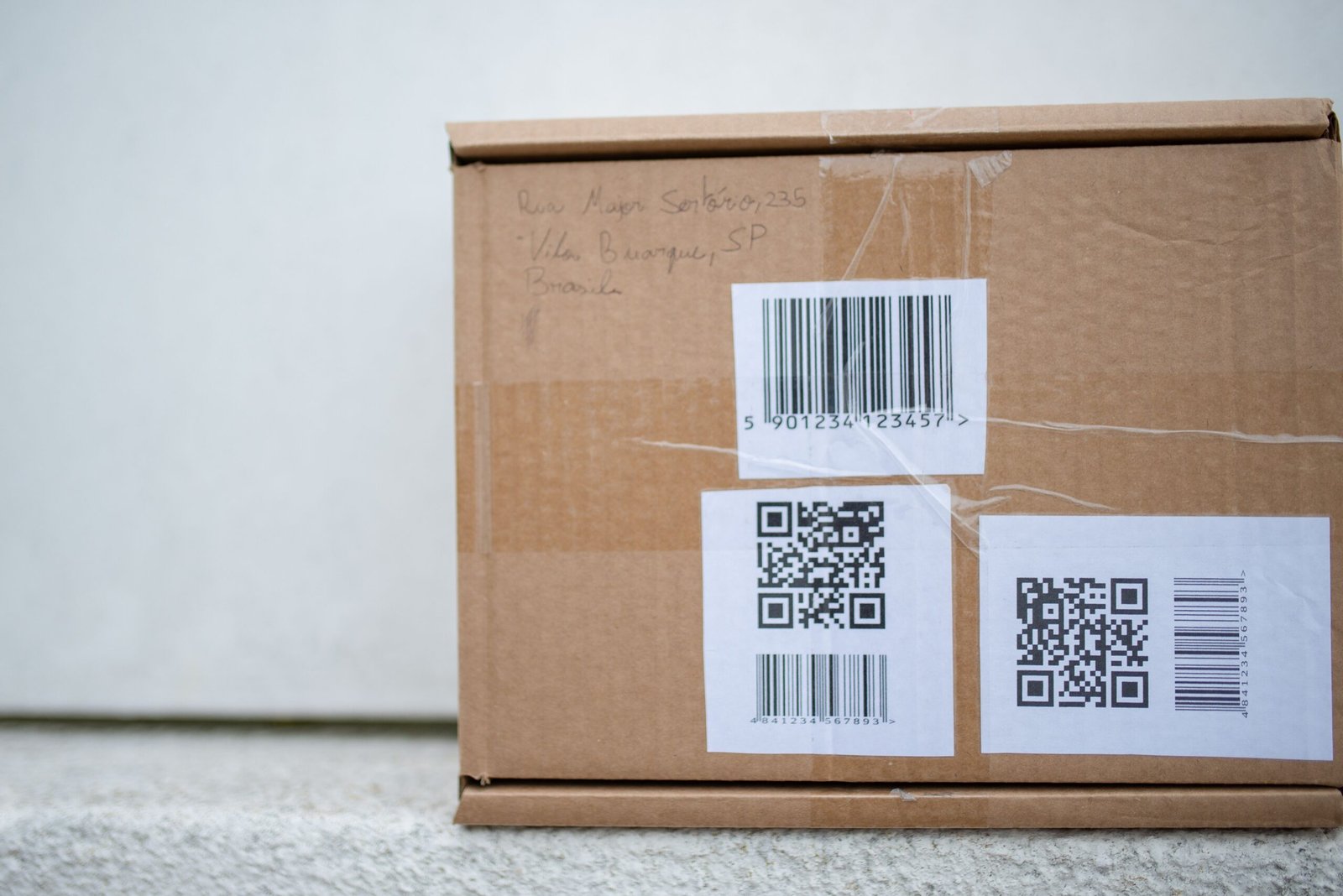
A barcode generator is a practical tool for turning numbers, letters, or other supported information into a barcode that can be scanned by a compatible device. Businesses use barcodes to identify products, track inventory, manage shipments, organize documents, and speed up checkout processes. Individuals can also use barcode generators for personal projects, asset labels, event materials, and small business operations.
Instead of manually creating a barcode design, users can enter the required data, select a suitable barcode format, adjust available settings, and download the result for printing or digital use. The process can be quick, but choosing the correct barcode type and ensuring that it scans reliably are essential steps.
Not every barcode works in every situation. A barcode designed for an internal inventory system may not meet the requirements for selling products through major retailers. Similarly, a barcode that looks clear on a computer screen may become difficult to scan when printed too small or placed on a low-contrast surface.
This guide explains how a barcode generator works, which barcode formats are commonly used, how to create a barcode step by step, and what to consider when choosing a tool. Whether you are managing a small shop, building an inventory system, or preparing product labels, understanding these basics can help you generate barcodes that serve their intended purpose.
What Is a Barcode Generator?
A barcode generator is a software tool or online application that converts data into a visual pattern that barcode scanners or compatible imaging devices can read. Depending on the selected format, that pattern may consist of vertical lines and spaces, a grid of small squares, or another standardized arrangement.
Traditional one-dimensional barcodes encode information using bars and spaces of different widths. Two-dimensional codes, such as QR codes and Data Matrix codes, arrange information in a more complex pattern and can store more data within a compact area.
A typical barcode generator asks you to enter information such as a product identifier, inventory number, serial number, or text string. You then choose a barcode format supported by the application. The tool converts the information into the appropriate pattern and allows you to export it in a format such as PNG, SVG, PDF, or another supported file type.
The exact options vary by generator. Some basic tools create simple barcodes for personal use, while more advanced applications provide batch generation, spreadsheet imports, label templates, database integration, and printing controls.
For example, a small business might assign an internal number to each storage box. A barcode generator can convert each number into a scannable label. When a worker scans a box, an inventory application can use the encoded number to retrieve the corresponding record.
It is important to understand that a barcode usually does not contain every detail about the object it identifies. In many systems, the barcode contains an identifier that points to information stored elsewhere, such as a product name, stock level, price, or location in a database.
A barcode generator creates the visual code. A scanner reads it, and a connected system interprets the data and performs the relevant task.
How Does a Barcode Generator Work?
Most barcode generators follow a straightforward process, although the available settings depend on the software and barcode format.
Step 1: Enter your data. Start with the exact information you want to encode. This might be a product number, internal stock identifier, serial number, or text string. Some barcode formats accept only specific character types or lengths, so check the requirements before proceeding.
Step 2: Select a barcode format. Choose a format that matches your intended use. Code 128, for example, is widely used for internal identification and logistics, while EAN-13 is commonly associated with retail product identification in many markets. QR codes are useful when you need to encode information that users can access with compatible phone cameras.
Step 3: Configure the settings. Depending on the application, you may be able to adjust dimensions, margins, human-readable text, image resolution, error correction, or other parameters. Use settings appropriate for the selected format and the device that will scan the final code.
Step 4: Generate the barcode. The software converts the entered data into a pattern following the rules of the selected symbology. Some formats also include check digits or other structures that help detect certain input errors.
Step 5: Export the file. Download the barcode in a suitable format. Raster formats such as PNG can work well for many ordinary uses. Vector formats such as SVG are often preferable when you need to resize artwork without losing sharpness, provided your printing workflow supports them correctly.
Step 6: Test the result. Scan the generated barcode with a compatible scanner or application and confirm that it returns the intended data. If the code will be printed, test the actual printed label rather than relying only on a screen preview.
The final step is particularly important. A generator may successfully create a valid barcode pattern, but printing, scaling, material, lighting, and scanner compatibility can still affect whether the code reads reliably.
For business applications, the barcode should also be tested within the complete workflow. Confirm that scanning the code retrieves the correct product or inventory record rather than merely displaying a string of characters.
Types of Barcodes You Can Create
Choosing the right barcode format is one of the most important decisions when using a barcode generator. Different formats have different capabilities, data requirements, and common applications.
Code 128
Code 128 is a one-dimensional barcode format that can encode letters, numbers, and certain control characters. It is commonly used for shipping labels, inventory systems, logistics, and internal asset tracking. Its flexibility makes it useful when identifiers include a mixture of letters and digits.
Code 39
Code 39 is another one-dimensional format used for identification, industrial applications, asset labels, and internal tracking. It supports a more limited character set than Code 128, so users should check whether the intended data is compatible.
UPC-A
UPC-A is widely used to identify retail products in the United States and Canada. It generally encodes a 12-digit number. Businesses preparing products for retail distribution should ensure that the identifier is properly assigned and meets the requirements of the relevant retailer and supply chain.
EAN-13
EAN-13 is commonly used for retail product identification internationally and encodes a 13-digit number. It is part of the GS1 system used in product identification. Generating the visual pattern does not automatically provide a legitimate product identifier, so businesses selling products through retail channels should obtain and manage identifiers according to applicable GS1 requirements.
ITF-14
ITF-14 is often used on outer cases and packaging in supply chains. It can help identify trade items at a packaging level and is different from the barcode intended for scanning an individual product at a retail checkout.
QR Code
A QR code is a two-dimensional barcode that can encode a URL, text, contact information, and other supported data. It can be useful for menus, product information, event registration, marketing materials, and digital links. Users should make sure that encoded links are correct and that the destination remains available.
Data Matrix
Data Matrix is a compact two-dimensional code often used in manufacturing, healthcare, electronics, and product traceability. Its ability to encode information in a relatively small area makes it useful where label space is limited. Specific applications may require industry-standard data structures rather than arbitrary text.
No single format is best for every project. The right choice depends on what you need to encode, where the barcode will be used, what equipment will scan it, and whether an industry or retailer requires a particular standard.


Leave a Reply